Narrow the direction first
Five hairstyles and five colour directions. Shortlist two or three before you spend credits on the one you really want to see.
One front-facing photo, five hairstyles and four optional colour directions. See the length, volume and outline on your own face before you decide to book the salon.
Each run uses 22 credits and takes a minute or two. You can leave the page; the result is saved to your history.

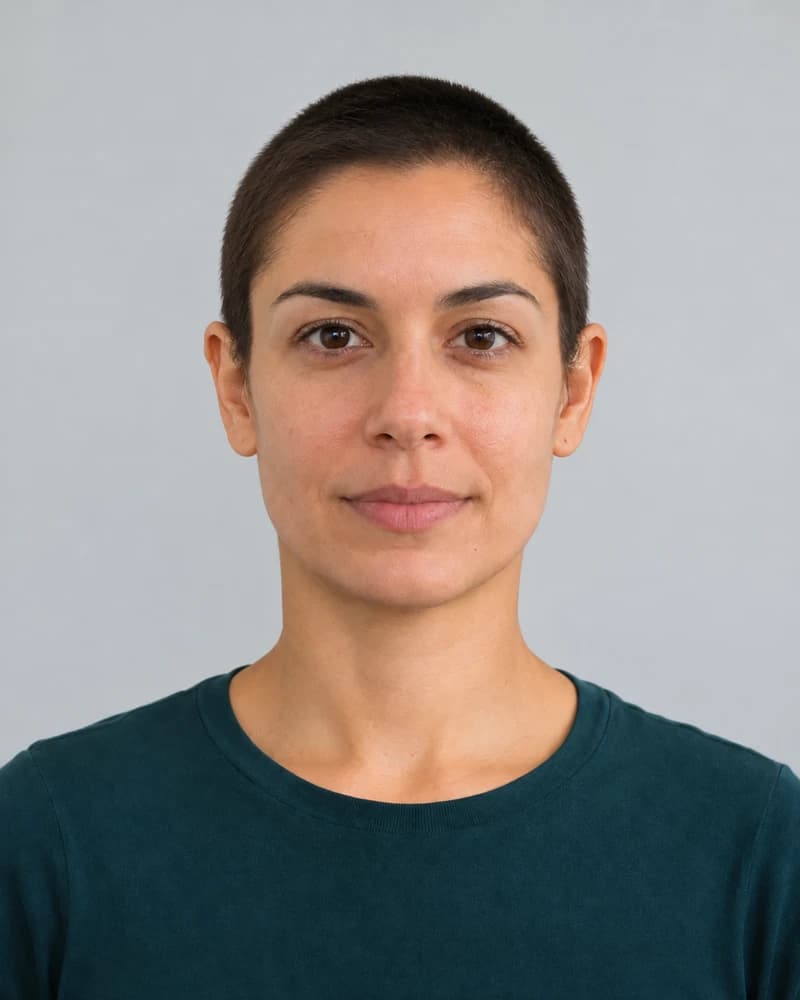 Buzz directionCurl direction
Buzz direction ⇄ Curl directionStyle illustration · not a tool result
Not about which cut looks best. About seeing what actually changes: length, outline and volume. Colour is a direction for the salon, not a recoloured preview.

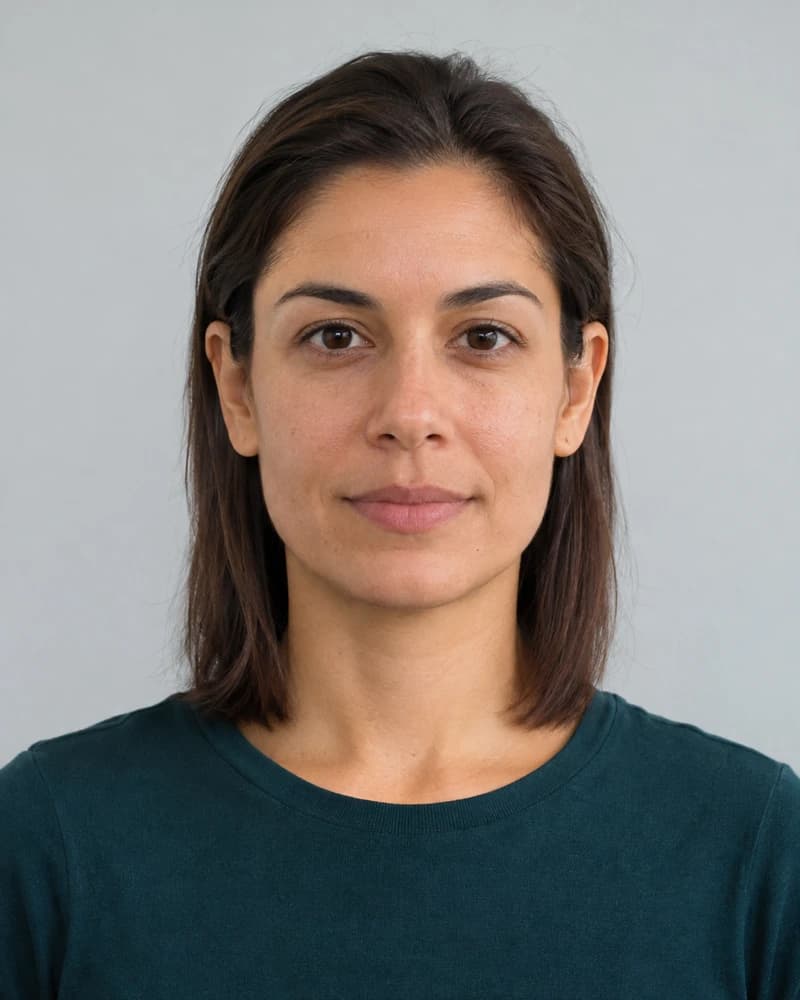 Original photoStyle direction
What to tell the barber
The illustrations keep the original colour. Pick a direction here to add it to the summary; the real result depends on your base tone.
When you want to keep some length but take away weight; this is the default case in the book.
Style: Collarbone cut — collarbone length, soft layers, face-framing transition. Colour direction: Keep original colour. Bring this to the salon and confirm what your hair can do.
All photos are style illustrations created for this page, not outputs from the tool. Each real run uses one hairstyle and one colour; the tool's result is the reference.
Use a front-facing photo where your hair is clearly visible, with no hat or sunglasses. Confirm you have permission from the person in the photo. JPEG, PNG and WebP up to 10 MB are supported.
Choose one of five hairstyles and keep your colour or pick one of four directions. The price is shown before anything runs, and you confirm the run yourself.
Drag to compare your photo with the cut, download the result and bring it to the salon. Real texture, blow-drying and dye results still depend on your hair.
Five hairstyles and five colour directions. Shortlist two or three before you spend credits on the one you really want to see.
Every illustration keeps the same person, so you compare length, curl and outline, not someone else's face.
Copy the cut, colour and outline notes and let your stylist check what is realistic for your hair.
A preview is a direction, not a promise of the salon result.
Three planning scenarios, not customer reviews. The people and places are illustrative.
She used to show her stylist someone else's bob, and “a bit shorter” never meant the same length to both of them. Comparing collarbone-length directions let her settle on where to stop and how soft the face-framing should be.
For a first big change, compare neighbouring lengths instead of jumping straight to the jaw.
Illustrative scenarioHe could not explain the amount of curl or volume he wanted. The curly direction moved the conversation to curl size, overall volume and the face shape he wanted to keep, instead of one vague adjective.
A wedding style still deserves a real trial; a preview only helps the conversation.
Illustrative scenarioHe was unsure how much of his head and face a very short cut would expose. Seeing the outline first made it something he could discuss with the barber, along with length and fading.
Ask whether the barber can step down from a longer buzz rather than committing in one pass.
Illustrative scenarioCarry the decision forward: write down the parameters, then see what else you can do with a clear photo.
Pick a cut and a colour in the style book and the page writes a short summary you can copy and send to your stylist. It is a communication aid, not a tool output.
Make a summaryThis page does not upload your photo or spend credits. You confirm every run in the tool itself.
This page does not upload your photo. Before you run the tool, check its current privacy notes. The facts above come from the tool's live settings.
The new hair is blended with your photo's head angle and lighting, and your face is kept exactly as-is. It's a faithful preview of the cut's shape and volume on your head — small details like how your hair falls after a real blow-dry will vary at the salon.
Yes — natural black, cool brown, honey brown or ash grey, or keep your original colour. Colour previews are indicative: your hair's base tone affects how a dye actually turns out, so treat it as a direction for your colourist.
Please use a front-facing photo with hair clearly visible and no hat or sunglasses. The better the tool can see your current hair and face, the more convincing the try-on.
No. The rule in the edit is explicit: same face, same skin tone, same expression — only the hairstyle (and colour) changes. If you also want styling, clothing and background changed, that's AI Portrait's job.
Pick the photo where your hair is clearest, try a direction, and take the one that feels right to the salon.
Try it on my photoNo photo is uploaded on this page.