Don't let food quietly expire.
See what's in your fridge first.
Open the door and take one wide photo. You get an ingredient list sorted by category, with rough quantities and a shelf-life guide for each category — so deciding what to eat next takes less guessing.
- 5 credits per run
- Try 1 time a day without signing up
- Failed runs are refunded
- Results kept for 1 day
- Produce, meat & dairy, staples, condiments and leftovers, each in its own group
- Unclear items are marked low confidence, never guessed
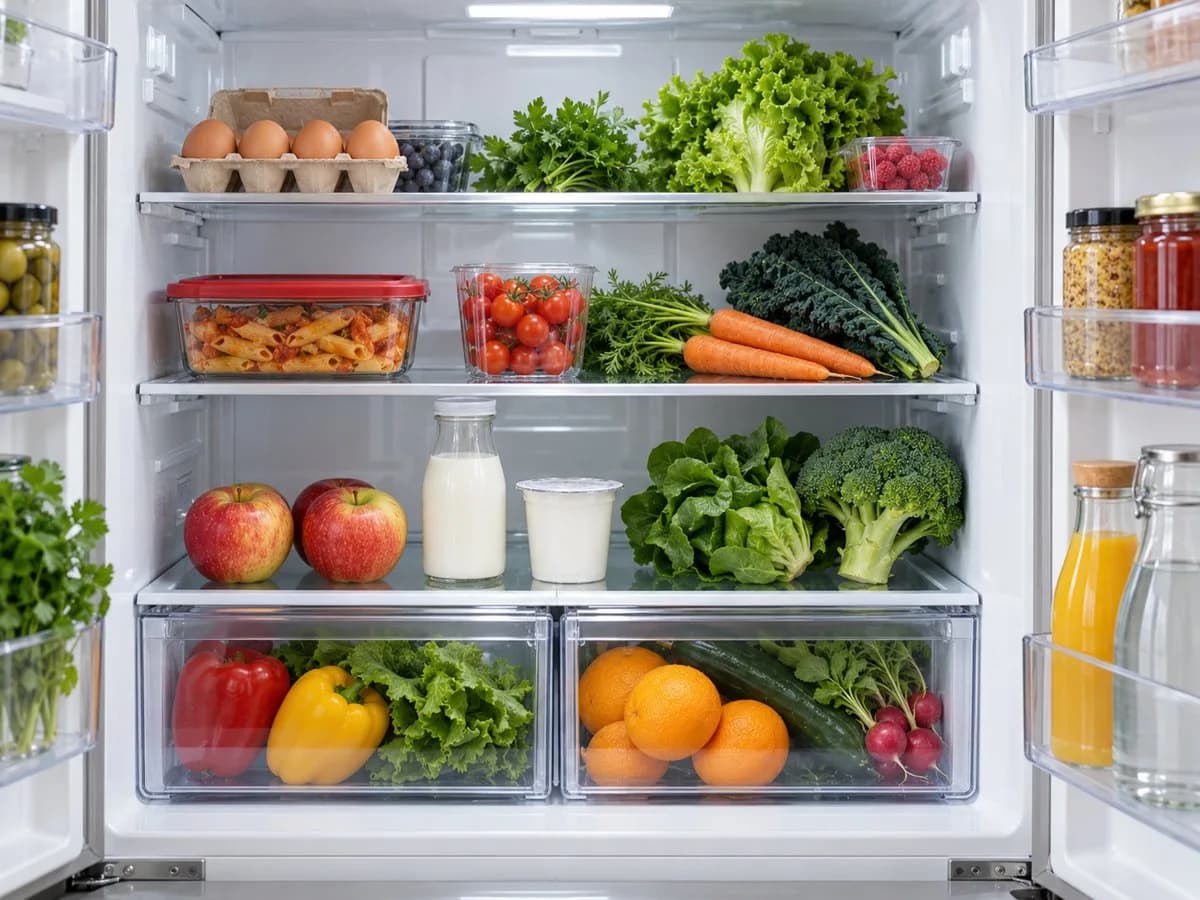
Leftovers: about one container · fridge guide ~2 days
Quantities and storage times are rough guides.
Stop digging through every shelf. Start with what needs eating.
Switch between fridges to see how each one turns into a list: what's there, roughly how much, and which groups keep the shortest.
Input: one wide fridge photoMy fridge list
By category · illustrationOptional note: The red-lidded box on the top shelf is yesterday's pasta.
What's inside closed containers can be hard to see. For the ones that matter, open the lid before you take the photo.
Photos and lists are illustrations of the feature, not real scan results. The real result is a table of every item with its category, quantity and confidence, plus the shelf-life guide and a count per category. Lists are written in English.
Open the fridge. Take one photo.
Good light and every shelf in frame. The scan does the sorting.
Take one wide photo
Open the door and get most of the shelves in frame. JPEG, PNG or WebP up to 10 MB. A packed fridge may need a second angle — that's a second scan.
Tip: open the containers that matter before you shootAdd what you already know
An optional note helps with things a photo can't show, like "the boxes on the top shelf are yesterday's dinner". Then start the scan yourself.
Optional, up to 300 charactersKeep the list, plan the order
See produce, meat & dairy, staples, condiments and leftovers with rough quantities and a shelf-life guide. Copy the list to keep it, or use "Cook with these" to send the items to the recipe generator.
Rough counts for planning, not weights to the gram
It's not that you're out of food. You forgot it was there.
Three planning scenarios, not customer reviews.
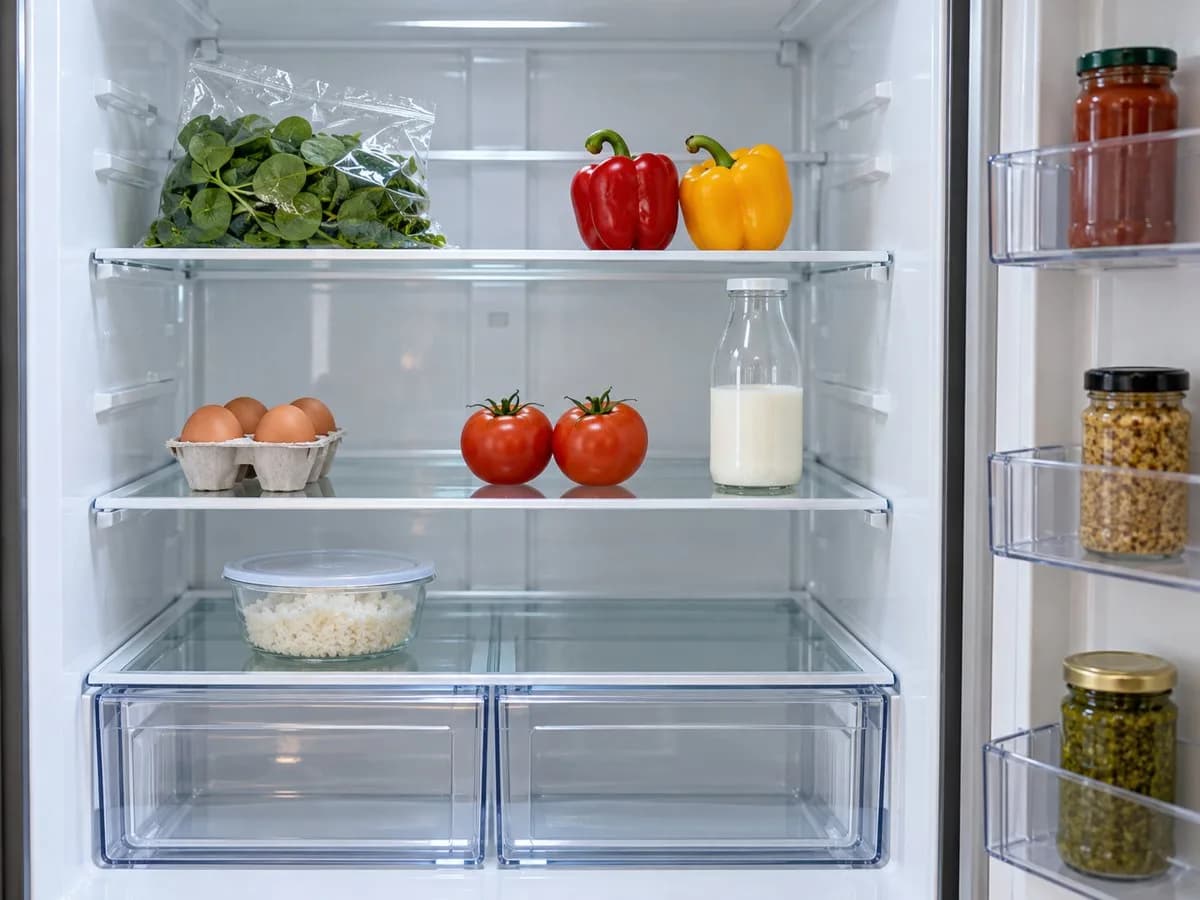
On the way home, she nearly buys another bag of spinach. The list still shows half a bag and eggs, so dinner uses those first.
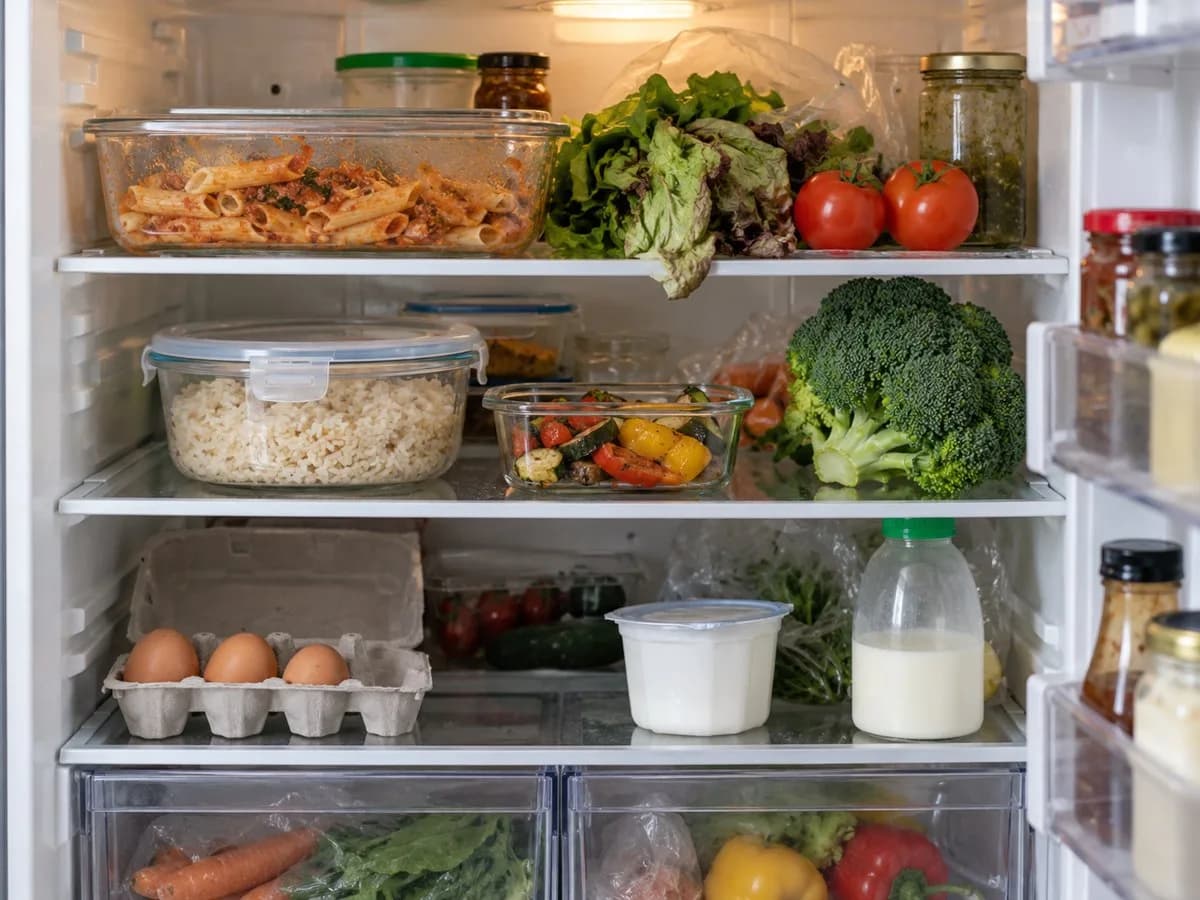
The pasta has been there for two days. She opens the lid for the photo, notes it was made on Sunday, and makes that container first.
Before the weekend shop, the fridge is not empty. The eggs and vegetables are still there, but the milk is nearly out, so they buy only milk.
They are category defaults for home refrigeration, not a check of each item. Go by the package dates, how the food was stored, and how it looks and smells.
Your photo is used only to make the list. The image and the run are removed after 1 day, so copy the list if you want to keep it.
Know your food a little better
Straight answers to the uncertain bits
A list helps you plan. It can't judge whether food is safe to eat.
How many photos do I need?
One wide shot with the door open usually catches most items, and it keeps the cost to a single scan. Very full fridges may need a second angle — that's a second scan and a second charge.
Where do the shelf-life numbers come from?
They're category defaults for home refrigeration, the same conservative ballpark used by food-safety guides. Treat them as a nudge, not a verdict — always check package labels and your own senses.
What counts as "leftovers"?
Already-cooked dishes kept in containers — last night's pasta, takeaway rice. They're categorised separately because their usable window is much shorter (around 2 days).
What if it can't tell what something is?
The item is listed with low confidence, or left out if it can't be made out at all. Nothing is invented: the list only contains what's visible in your photo.
What if I photograph something that isn't a fridge?
You'll be asked to retake it — open door, wide shot, good light — instead of getting an invented list. That scan costs nothing.
What happens to my photo?
The photo is used only to produce this list. The image file is deleted within a day of processing, and the run leaves your history after a day; copy the list before then if you want to keep it. We do not share it with anyone else.
How much does it cost?
You can try it once without an account. After that each scan costs 5 credits; new accounts get free credits to start.
Today, eat the thing you almost forgot.
One wide photo of the fridge, and a clearer start to your next meal.
Scan my fridge